How To Find Dining Payment Offers Before Checkout
EazyDiner's PayEazy section surfaces eligible payment offers during the booking flow
19 Nov, 2026 by Editorial Team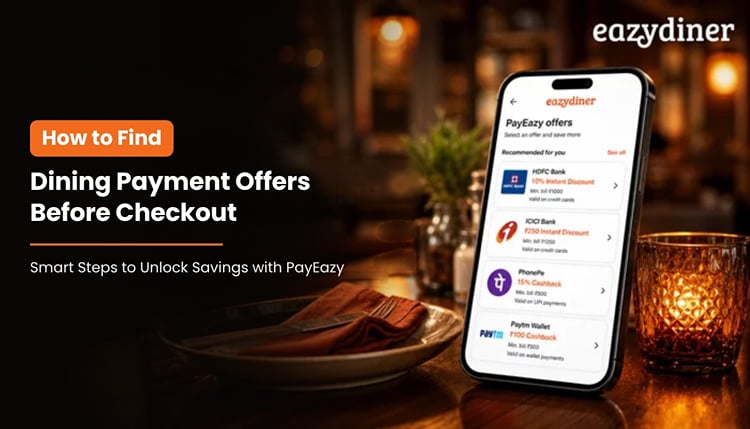
You have picked a restaurant, chosen a time slot and added guests to the booking. Then, right before you pay, you wonder whether a card offer or wallet cashback could shave a few hundred rupees off the bill. That last-minute scramble is common among Indian diners, and EazyDiner's PayEazy feature is designed to help you spot payment offers before you reach checkout.
TL;DR - Summary
- What is PayEazy on EazyDiner?
PayEazy is EazyDiner's integrated payment feature that surfaces eligible dining payment offers, including card, wallet and prepaid deals, during the booking flow so diners can review savings before checkout.
- When should you check offers?
Review available payment offers right after selecting a restaurant and time slot on EazyDiner, well before you confirm the booking. Checking early prevents last-minute surprises and helps you pick the payment method that saves the most.
- Which payment offers appear?
Offers can include credit card discounts, UPI cashback, wallet promotions and prepaid dining deals. The exact offers depend on the restaurant, the payment partner and any active EazyDiner Prime membership benefits you hold.
- How do you confirm the right offer?
Tap the offer tile on the booking screen, read the terms (minimum spend, valid days, expiry) and ensure your preferred payment method is linked. Confirm the offer before proceeding to pay so the discount applies automatically.
Why pre-checkout matters
Many diners in India discover payment offers only after the bill arrives. By then, the wrong card may already be swiped, or the wallet balance may be too low. Checking offers before checkout on EazyDiner removes that friction entirely.
Pre-checkout review also helps diners compare multiple payment methods side by side. A credit card offer might give a flat discount, while a UPI cashback deal returns money after the meal. Knowing both options in advance lets you pick the better route.
Where to find offers on EazyDiner
Step 1: Open the restaurant listing
Search for a restaurant on EazyDiner by cuisine, location or name. Once you open the listing page, scroll to the offers section. EazyDiner displays active dining payment offers, including bank partner deals and prepaid discounts, directly on the restaurant listing.
Step 2: Select your booking slot
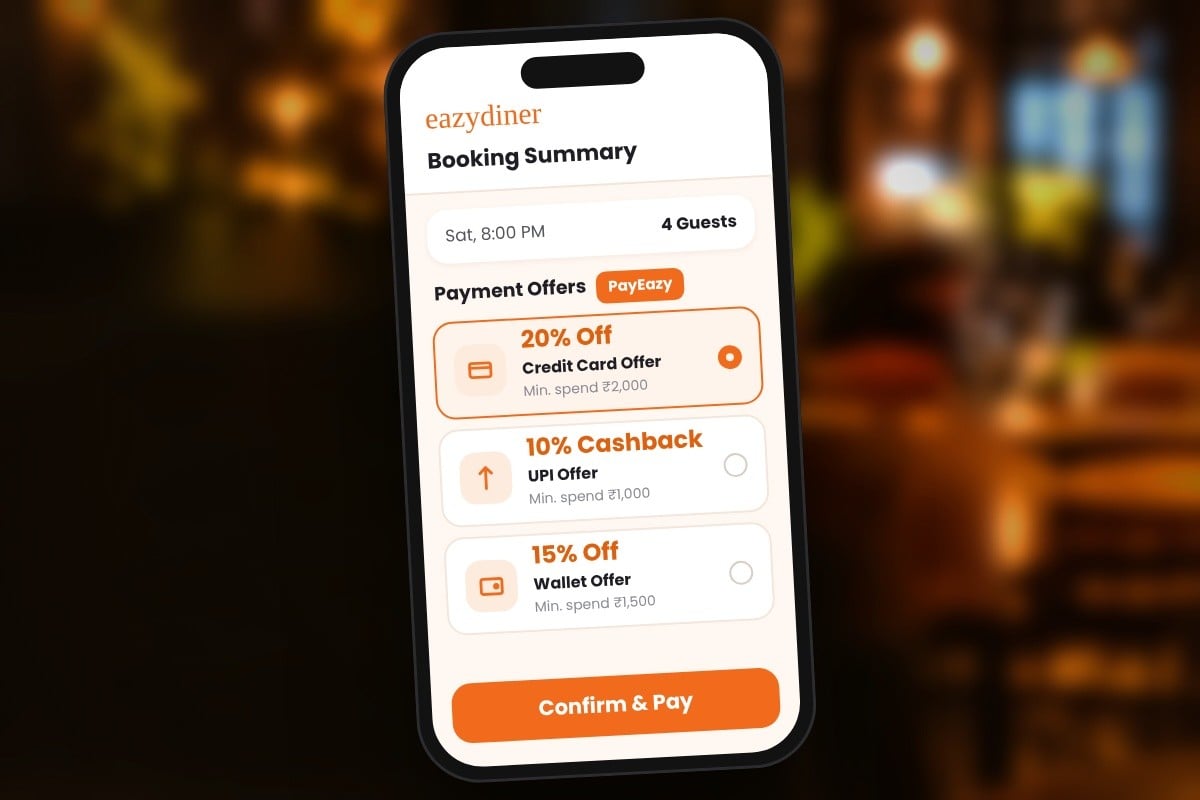
Choose a date, time and party size. After you select the slot, the booking summary screen shows which payment offers apply to that particular reservation. Some offers are valid only for dinner, or only on weekdays, so the slot you pick can change what appears.
Step 3: Review PayEazy offers
On the booking summary, look for the PayEazy section. PayEazy aggregates eligible offers from credit cards, debit cards, wallets and UPI partners. Each offer tile typically shows the discount percentage or cashback amount, the minimum spend required and the validity window.
Step 4: Confirm before paying
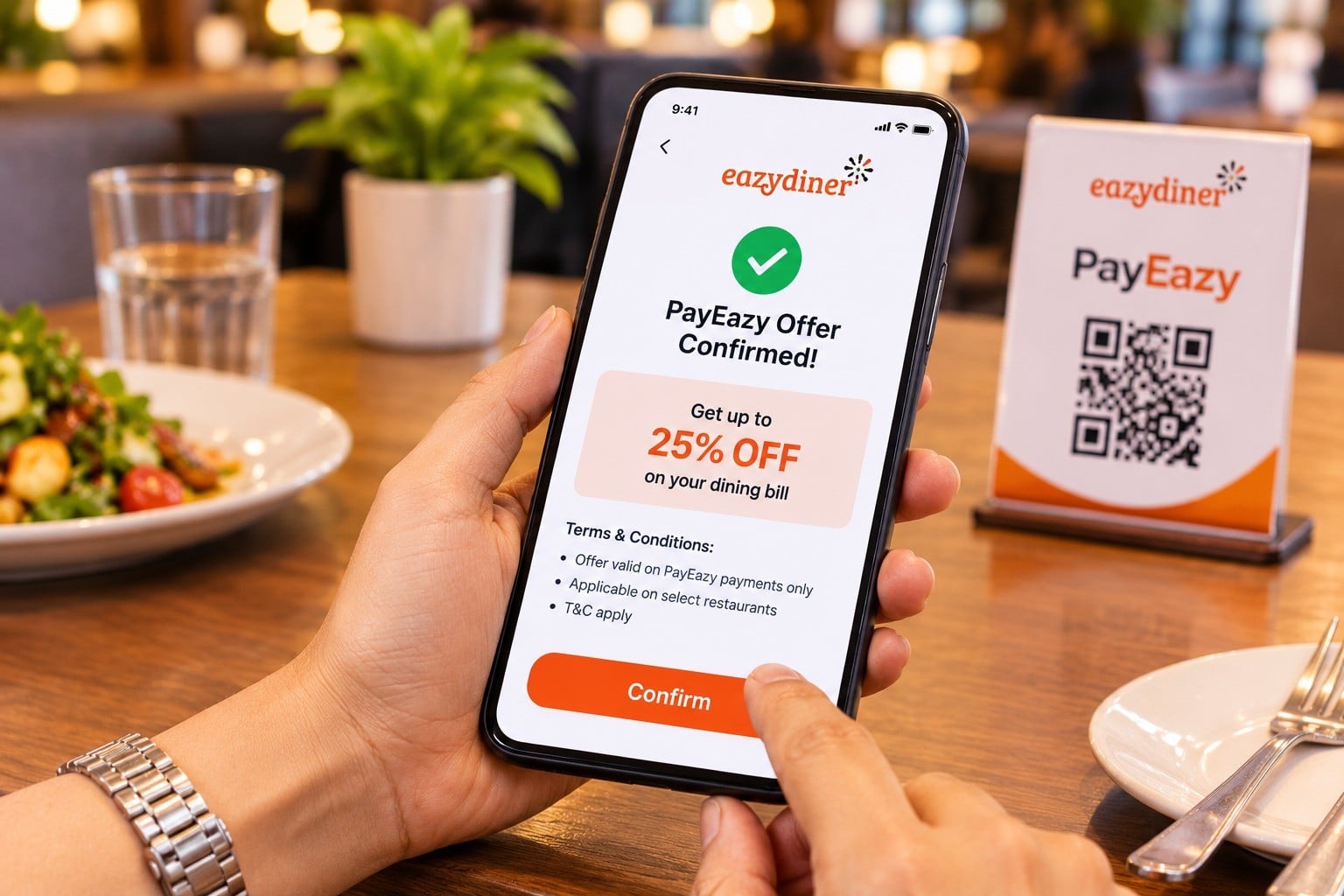
Tap the offer you want to use. Read the terms: check the minimum bill value, whether the offer stacks with an EazyDiner Prime membership discount and whether the offer expires before your dining date. Once confirmed, proceed to payment. The selected offer should apply automatically at checkout.
What to verify before you pay
Even after selecting an offer, a quick checklist can help diners avoid surprises at the restaurant. Confirm that your chosen card or wallet is linked to EazyDiner. Verify that the offer's minimum spend matches the expected bill for your party size.
Check whether the offer is combinable with other discounts. Some prepaid dining deals on EazyDiner already include a discount, and stacking a separate card offer on top may not be permitted. The offer tile's terms section clarifies this.
Also confirm the offer's valid days. A weekend dinner plan paired with a weekday-only offer means no savings. Reading these details takes under a minute and can prevent checkout friction.
How PayEazy fits the booking flow
PayEazy is not a separate app or portal. EazyDiner embeds PayEazy into the standard booking journey, so diners see payment offers alongside table availability, restaurant photos and menu highlights. This integration means you do not need to visit a bank's website or search coupon aggregators separately.
For EazyDiner Prime members, PayEazy can surface additional or enhanced offers tied to the membership. Prime members may see higher cashback percentages or lower minimum spend thresholds on select restaurants, making the pre-checkout review even more worthwhile.
Finding dining payment offers before checkout on EazyDiner takes four steps: open the listing, pick a slot, review PayEazy offers and confirm the terms. Building this habit can help Indian diners consistently capture savings without the last-minute scramble that leads to missed deals.